
digital business card
What Is a Digital Business Card?
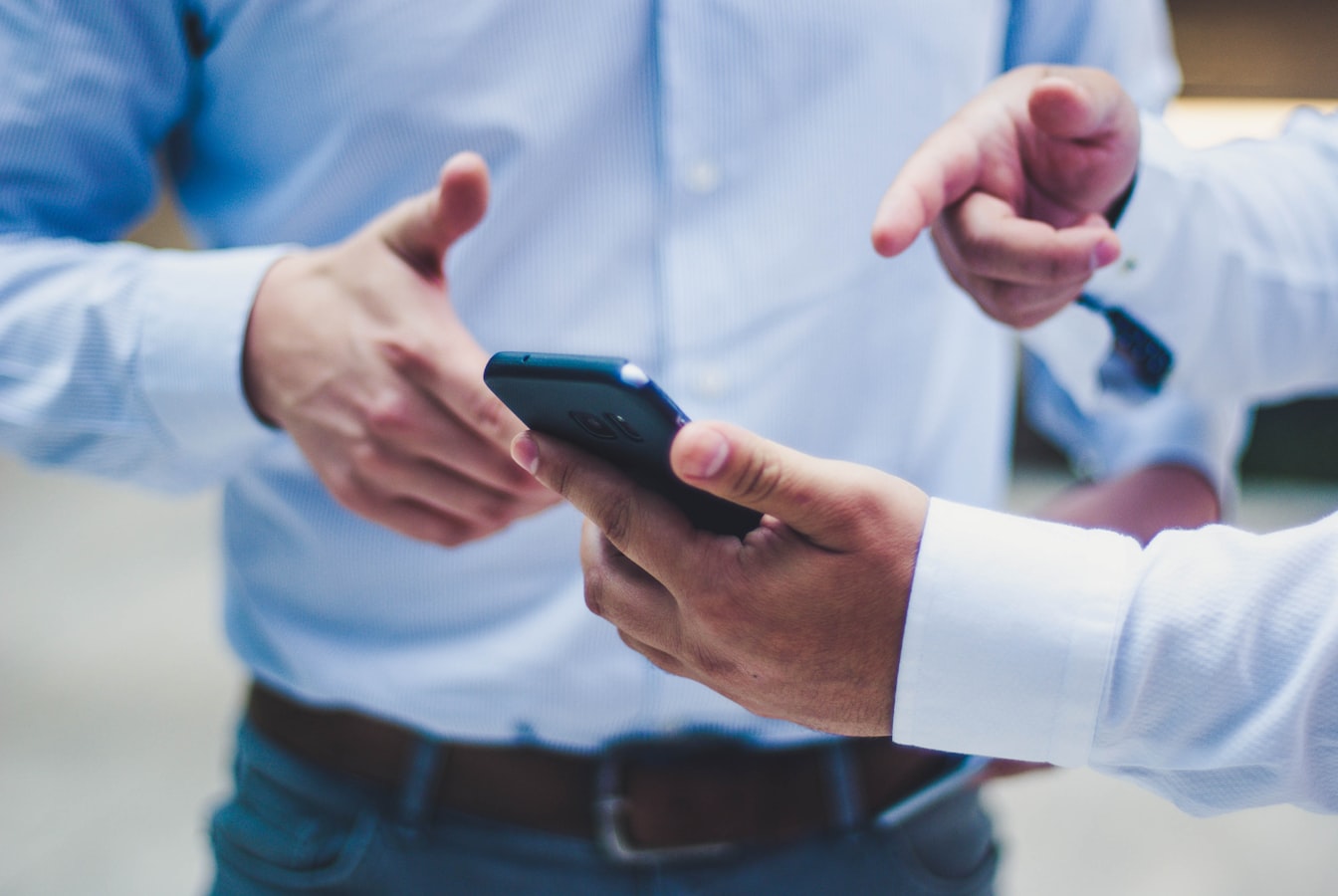
What Is a Digital Business Card? (And Why It Works Better for Everyone)
You meet someone worth keeping in touch with. You reach into your pocket, hand them a small rectangle of paper, and hope for the best. That ritual has worked for decades. But it has always had problems. It just took a while for something better to come along.
A digital business card is that something better. This guide explains what it actually is, why paper quietly works against both people in the exchange, and what to look for when you are ready to make the switch.
What Is a Digital Business Card, Exactly?
A digital business card is a contact page that lives at a URL. When someone opens that link, they see your name, photo, role, contact details, and any links you want to include. They can save your contact to their phone in one tap, no paper required.
That is the core of it. No special hardware. No app to download. No account to create. The person receiving your card just opens a link in the browser they already have.
The link gets to them in a few common ways. You might share it through a QR code, through a tap on a small NFC tag, or simply by texting it. However it arrives, the experience on the other end is the same: a clean, readable page with your information on it.
Some digital business card platforms let you build that page yourself in a few minutes. You fill in your details, pick a look you like, and your card is ready to share. Updates you make to the page show up for everyone who visits the link, even people who saved it months ago.
How a Paper Card Quietly Fails Both People
Paper cards are not dramatically bad. They fail in small, steady ways that add up over time.
For the person giving the card:
You print a batch. Then your phone number changes, or you move to a new company, or you add a second email address. The cards in circulation are now wrong. There is no way to fix them. You either hand out outdated information or you pay to print again.
You also have no sense of whether anyone looks at the card after they take it. It might go straight into a drawer. You will never know.
And the card itself is limited. There is only so much space on a 3.5 by 2 inch rectangle. A link to your portfolio, a scheduling button, a short video introduction, none of that fits on paper.
For the person receiving the card:
They have to do real work to actually use it. They type your number into their phone by hand, one digit at a time. They squint at small print. If your handwriting is on the back, they have to decode it. Any typo they make means they lose you.
Then the card has to survive. It lives in a pocket, then a pile, then maybe a drawer. Wallets and desk stacks are where paper cards go to disappear.
None of this is dramatic. But every small friction is a small chance that a real connection does not actually stick.
What a Digital Business Card Actually Does Differently
A digital business card removes almost every friction point from that list.
Your information stays current. When you update your page, everyone who visits it gets the new version. The link never goes stale.
The person receiving it saves your contact in one tap. No typing. No squinting. They tap a button, their phone's contacts app opens, and your information flows in. That is the whole process.
You can include more than a name and number. Your card can hold a photo, a title, a short bio, social links, a booking link, or anything else that helps the other person understand who you are and how to reach you. It all lives on one page.
It does not depend on paper surviving. The link can be texted, emailed, printed as a QR code, or written to an inexpensive NFC tag you pick up yourself. If someone loses the card, they can ask you for the link again and land on the exact same page.
You can share it from anywhere. If you are on a video call and want to hand someone your details, you paste the link in the chat. No one has to wait until you can mail them a card.
The Ways People Share a Digital Card (No App Needed)
This is one of the quieter advantages of a digital card. The person sharing it has several options, and the person receiving it needs nothing special on their end.
QR code. You can display your QR code on your phone screen. The other person scans it with their camera app. No third-party scanner needed on most phones.
NFC tap. If you have written your card's URL to a blank NFC tag, the other person just holds their phone near the tag. The link opens automatically. You can write NFC tags yourself with a free app on Android or a shortcut on iPhone.
Text or email. You send your link the same way you would send any link. The recipient opens it in their browser.
Printed QR code. Some people print their QR code on a traditional paper card, a notebook, or a name badge. The paper becomes a pointer to the living digital page rather than the information itself.
In every case, the person receiving the card uses what they already have. There is no app to install, no account to create, no barrier between them and your information.
What to Look for When You Pick One
Not all digital business card tools work the same way. A few things worth checking before you commit:
Can recipients save your contact without signing up for anything? This matters. The whole point of sharing your information is that the other person can actually keep it. If they hit a sign-up wall, some of them will leave instead.
Can you update your card after you share it? A card you cannot update is just a paper card that happens to be digital. Look for a platform where changes go live immediately.
Does it work on every phone without an app? Browser-first cards work on every smartphone. That means nobody is left out because they have an older phone or a less common operating system.
Can you share it in more than one way? QR code, NFC, and direct link are the three most useful. Having all three covered keeps you ready for any situation.
Does it reflect how you actually want to be seen? The card represents you. It should look clean and feel like you put thought into it, not like a generic template you never touched.
A Simple Way to Get Started
BeamHello is built around one idea: the person on the other end of your card matters. The card should work for them, without asking them to do anything complicated or create an account just to see your name and number.
You build your page, share your link, and your contact information is out there in a form that stays current and actually gets saved.
If you have been handing out paper cards and quietly watching connections slip away, a digital card is worth trying. The setup takes a few minutes. The difference shows up the first time someone saves your contact without typing a single digit.
Beam a hello. The people you meet will actually be able to find you later.