
how to share contact information
How to Share Contact Information Without the Awkward Dance
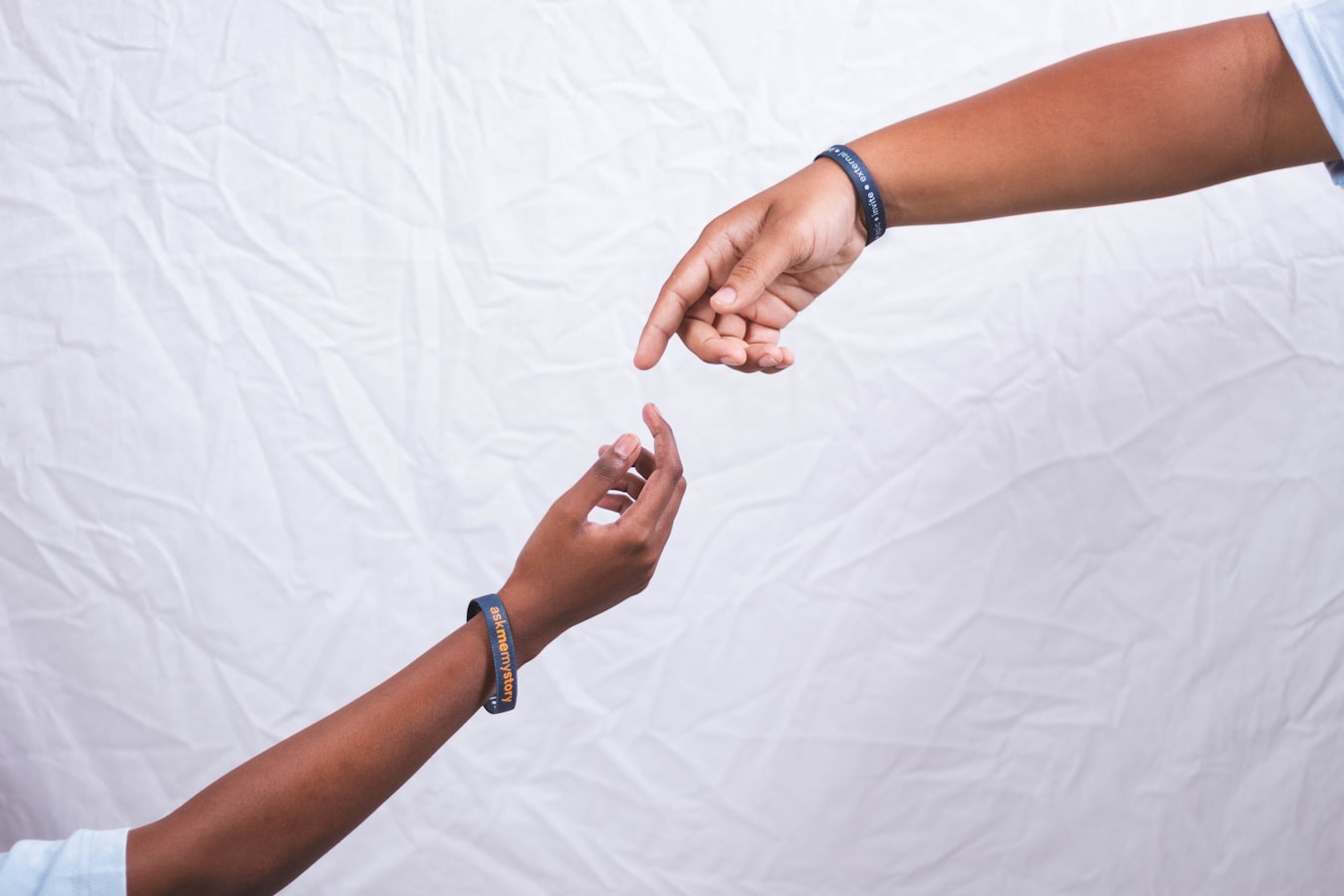
How to Share Contact Information Without the Awkward Dance
You meet someone interesting. The conversation goes well. Then comes the moment: "Let's stay in touch." And suddenly both of you are fumbling through pockets, squinting at phone screens, or hoping one of you remembered to bring a card.
It doesn't have to feel that way.
Why Sharing Contacts Feels Awkward in the First Place
The awkwardness isn't about you. It's about the method.
Most approaches to how to share contact information weren't designed with the moment in mind. They were designed around what was easy to produce, not what was easy to give. A paper card is easy to print. A phone number is easy to say out loud. But neither one puts the other person first.
There's also a small social tension built into the exchange. You're asking someone to do something: save a number, type an address, hold onto a card. That's a request, and requests carry a little weight. The smoother you make it for them, the lighter that weight becomes.
The Methods People Use (and Where Each One Trips Up)
Swapping phone numbers verbally. One person reads out digits while the other tries to type and listen at the same time. Transposition errors are common. The contact often lands with no name attached and gets lost in a sea of unsaved numbers.
Paper business cards. Fast to hand over, but they rely entirely on the other person not losing them. A title change or new number makes them wrong overnight. And as the honest comparison between paper and digital cards shows, most paper cards never make it into anyone's contacts.
Spelling out an email address. Works fine in a quiet room. Falls apart at a loud conference.
Asking someone to scan a QR code mid-conversation. The idea is good. But opening a camera, centering the code, and waiting for it to resolve can feel clunky when you're standing in a hallway with ten seconds before someone else walks over.
None of these are terrible. They just all put friction on the other person.
What Makes a Contact Exchange Actually Work
A good contact exchange does three things. It's fast. It requires nothing from the recipient. And it leaves them with something they can actually use later.
Fast means under ten seconds. No fumbling, no re-typing, no waiting.
Requiring nothing from the recipient means they don't need to download something, create an account, or know the right app. The goal is for them to receive your info in whatever way fits naturally into their life.
Leaving something usable means the contact lands in their phone, not in a browser tab they'll close by accident.
How a Digital Card Changes the Moment
A digital card is just a URL. You share it by showing a QR code, tapping a phone, or sending a link in a message. The person on the other end opens it in their browser, sees your contact details, and saves them with one tap. No app required on their end.
That's the shift. Instead of asking them to do work, you're handing them something already ready. BeamHello builds cards that work exactly this way: the recipient doesn't need to sign up or install anything to save your information.
If you want to understand what this looks like end-to-end, how a digital card works without an app walks through both sides of the exchange.
The other quiet benefit: if your number or title changes, you update the card once. Everyone who saved your link sees current information. No reprint needed.
A Few Simple Habits That Help Every Time
Keep your card accessible. If it lives three taps deep in an app, it won't be ready when you need it. Put the QR code on your phone's lock screen or add the card to your wallet app so you can open it without thinking.
Let the other person lead. Some people prefer to scan a code. Others would rather you text them the link afterward. Ask, then do it their way.
Follow up the same day. Send a short message with your card link while the conversation is still fresh. This also gives them a second chance to save your details if they didn't get to it in the moment.
If you're still figuring out what to put on your card and how to set it up, how to make a digital business card is a practical starting point.
The Takeaway: Make It Easy for the Other Person
Knowing how to share contact information well isn't really about the tool you pick. It's about making it genuinely easy for the other person to reach you later, on their terms.
Every choice you make in that moment either adds friction or removes it. The method matters less than the intention behind it: you're making a connection, not completing a transaction.
When the exchange feels easy and respectful, it reflects well on you before the conversation even ends.